Non-production environments are an often-overlooked entry point for data breaches. These systems—dev, test, staging, QA—often contain copies of production databases or subsets of real customer records, yet they rarely receive the same security scrutiny. Development teams apply heavy controls while data is in production, but leave non-production systems on default settings, with weaker access controls, minimal logging, and delayed patching.
A data breach occurs when an unauthorized party accesses, exfiltrates, or discloses personal or corporate data. In non-production environments, breaches happen through physical theft of developer laptops with database snapshots, insider access by contractors with overly broad permissions, or targeted attacks on unpatched staging servers. The gap between production security and non-production reality creates risk that's entirely preventable.
You can eliminate this blind spot by adopting data breach mitigation strategies specifically designed for non-production systems—starting with removing or transforming sensitive data before it ever reaches these environments.
How data breaches happen in non-production environments
Non-production environments inherit risk when they use real or lightly masked data without the visibility or hardened controls of production. Breaches in these systems can originate from hardware theft, careless insiders, or targeted cyberattacks.
Loss or theft
Physical or virtual assets can be lost or stolen at any stage of a project. A developer laptop with a local database snapshot, a USB key containing test data, or misconfigured cloud storage buckets all expose sensitive information. A laptop stolen from a coffee shop or lost in transit can contain gigabytes of unencrypted customer data.
Compounding the issue are cloud storage misconfigurations—S3 buckets set to public read access, Azure blobs with overly permissive shared access signatures—which regularly expose test databases to internet scanners. These breaches often go unnoticed for months because non-production systems lack the monitoring and alerting that would catch unauthorized access in production.
Insider attack
Insiders already have valid credentials for non-production systems. Without strict role-based access controls and audit logs, someone can copy sensitive tables for personal use or leak them externally. An overly permissive test environment turns trusted users into an easy vector for exfiltration.
Contractors and offshore teams present particular risk when they receive broad database access without data sanitization. A developer with read access to staging can export customer tables, commit them to personal repositories, or share datasets with unauthorized parties.
Without comprehensive audit logging and data loss prevention tools monitoring non-production exports, these insider threats operate invisibly until the damage is done.
Targeted attacks
Attackers often focus on non-production servers because they're easier to compromise and may still contain customer data. Common tactics include:
Phishing: You or a teammate might click a malicious link in a fake deployment notice, giving attackers credentials to staging or QA servers.
Malware: Downloading a compromised package or running a tainted script can install backdoors that scan for sensitive database dumps.
Vulnerability exploits: Unpatched test servers often lag production updates. Attackers scan for known CVEs, breach the OS or web server, and pivot to the database.
DDoS: A distributed denial-of-service attack can distract your ops team while adversaries sneak in through less-monitored channels.
Supply chain attacks also target non-production infrastructure. Compromised npm packages, malicious Docker images, or backdoored CI/CD plugins give attackers footholds in build environments that process production data. Once inside, attackers move laterally from Jenkins servers to test databases, exfiltrating customer records before security teams detect the breach.
Best practices for data breach mitigation
Preventing breaches in non-production environments starts with raising the security bar to match production standards and removing exposure to real data wherever possible. Apply these controls consistently across dev, test, and staging systems.
1. Implement multi-factor authentication
Require MFA for all user accounts that access non-production environments. Even if someone's password is phished, a second factor—a hardware token or authenticator app—stops attackers from logging in. Enforce MFA at the application, database, and server-OS levels.
Then extend MFA requirements to service accounts and API access. CI/CD pipelines, automated test runners, and database migration scripts should authenticate using short-lived tokens or certificate-based authentication rather than long-lived passwords. Configure MFA to require re-authentication after timeout periods appropriate to the sensitivity of data—staging environments with production-like data should enforce stricter timeout policies than development sandboxes.
Monitor MFA bypass attempts and failed authentication patterns as early indicators of credential compromise.
2. Enhance network security
Isolate non-production networks from the internet and from production networks. Use separate subnets, VPNs, or jump hosts with strict bastion rules. Configure firewalls and security groups to limit ingress and egress to known IP ranges and ports. And regularly review the rules for stale or overly broad permissions.
Take it a step further by implementing microsegmentation within non-production networks to limit lateral movement. QA environments shouldn't have network paths to development databases, and staging shouldn't directly access test systems.
Deploy network monitoring tools that baseline normal traffic patterns and alert on anomalies—unexpected database connections, large data transfers to external IPs, or after-hours access from unfamiliar geolocations. Use private endpoints for cloud services to keep database traffic off the public internet entirely, and enforce TLS for all database connections even within internal networks.
3. De-identify or synthesize data for non-production environments
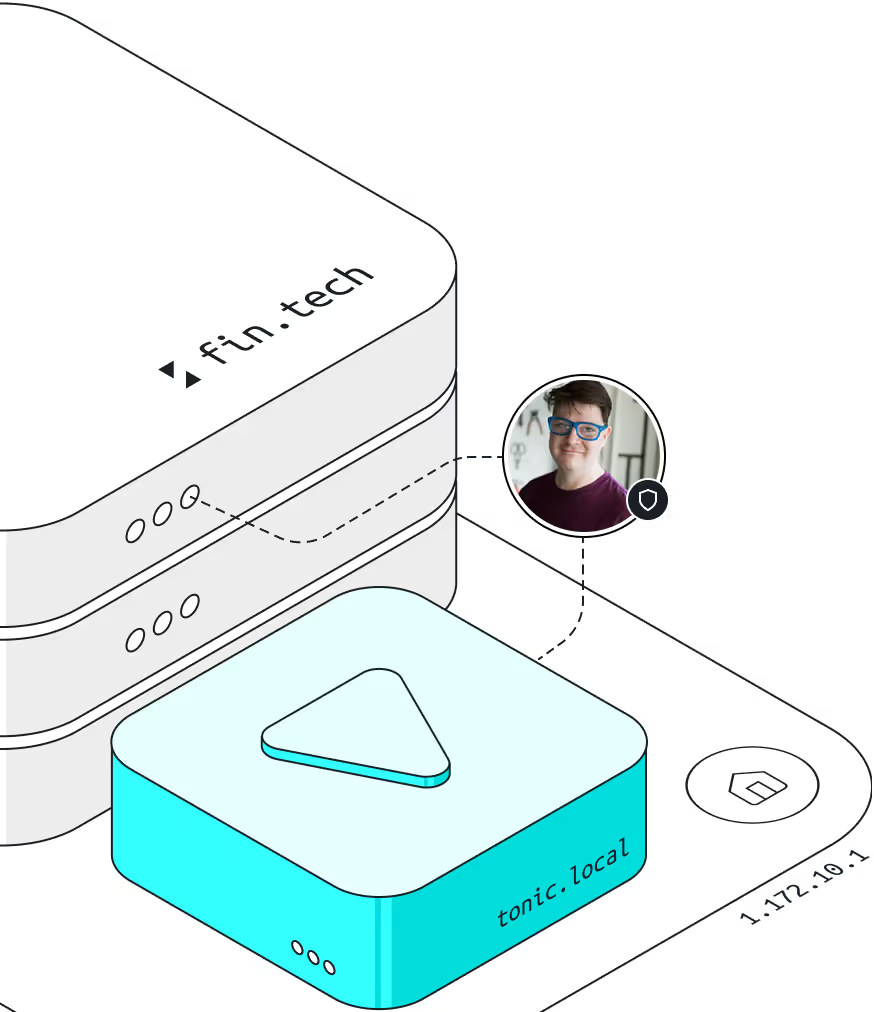
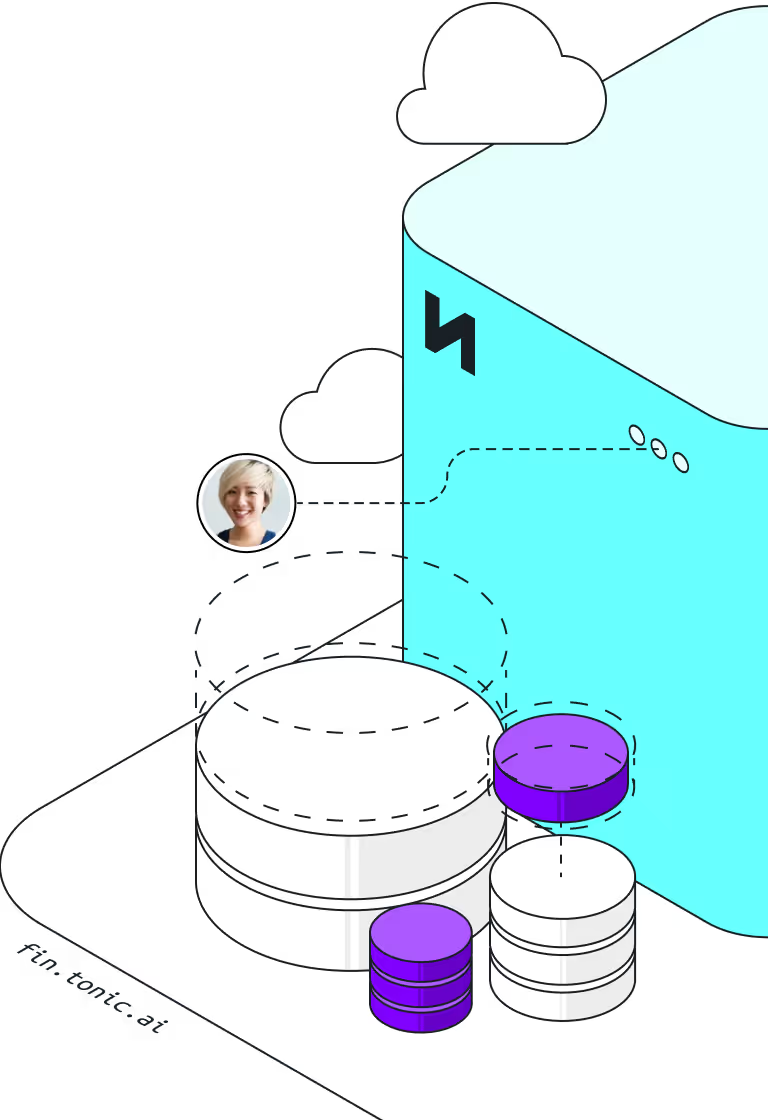
Remove or replace sensitive information before it enters your lower environments. For structured data, use Tonic Structural to apply referentially intact de-identification: mask direct identifiers like user IDs and SSNs, shuffle values in columns, all while preserving consistency and relationships between primary and foreign keys.
For unstructured text—logs, support tickets, customer comments—use Tonic Textual to detect sensitive entities via proprietary Named Entity Recognition models and either redact or synthesize realistic replacements.
When you need data from scratch, use Tonic Fabricate's AI agent to create synthetic datasets that mirror schema, correlations, and distributions without using any real records.
After generating your data, validate utility and privacy. Compare key distributions, correlation matrices, and schema integrity to confirm business logic still applies. Perform nearest-neighbor analysis to ensure no synthetic record is dangerously close to a real one, and confirm all direct identifiers are removed or replaced.
4. Secure physical access
Treat servers, virtual machines, and backups in non-production like production hardware. Here are some key actions to take:
- Encrypt disks
- Use hardware security modules (HSMs) for key storage
- Restrict USB or CD-ROM ports
- Store backups in locked data centers or encrypted object storage, and limit who can restore or download snapshots.
- Configure devices to require authentication on wake from sleep and to auto-lock after short idle periods.
When these tactics are in place, audit your backup restoration access—track who downloads database snapshots, when they access them, and where snapshots are stored. Require approval workflows for backup restoration that involve data containing PII, and automatically expire temporary backup copies after defined retention periods.
5. Keep software and systems updated
Non-production environments often fall behind on OS, database, or dependency patches. You can easily solve this by automating patch management and vulnerability scanning. Use container images or golden AMIs that receive the same update cadence as production, and enforce a policy that you never spin up an unpatched box for testing.
In addition, critical security updates should deploy to staging within the same maintenance window as production, not weeks later. Automated vulnerability scanning in CI/CD pipelines can catch outdated dependencies before they reach any environment, and keeping inventory of all non-production systems—including developer sandboxes and temporary test environments—will ensure nothing falls through patching gaps.
6. Establish endpoint protection
Install and maintain endpoint detection and response (EDR) agents on developer workstations and test servers. EDR tools detect suspicious behavior—unexpected process launches, privilege escalations, or lateral movement—so you can investigate before data leaves your network.
Stay consistent in your EDR security by:
- Blocking known data exfiltration techniques specific to development workflows.
- Monitoring for large database exports, compression of sensitive files, uploads to personal cloud storage, or git commits containing database dumps.
- Implementing application allowlisting on test servers to prevent unauthorized software from executing.
- Deploying file integrity monitoring on directories containing database snapshots or backup files, alerting when files are accessed, copied, or modified outside expected workflows.
When you integrate EDR alerts with your security information and event management (SIEM) system as well, you can correlate endpoint activity with network traffic and authentication logs.
Protect sensitive data with Tonic.ai
Reduce the risk of a non-production breach by using Tonic.ai to remove real or sensitive data entirely from your non-production databases.
Tonic Structural de-identifies structured and semi-structured data while preserving the referential integrity your tests depend on. Tonic Textual automatically detects and transforms PII in logs, support tickets, and unstructured text using proprietary Named Entity Recognition models. When you need data from scratch, Tonic Fabricate's industry-leading AI agent lets you chat your way to hyper-realistic synthetic datasets without touching production records.
Take control of your test and staging data today. Connect with our team and see how easy it is to keep real personal information out of your lower environments while preserving the realism your teams need.

Adam Kamor, Co-founder and Head of Engineering at Tonic.ai, leads the development of synthetic data solutions that enable AI and development teams to unlock data safely, efficiently, and at scale. With a Ph.D. in Physics from Georgia Tech, Adam has dedicated his career to the intersection of data privacy, AI, and software engineering, having built developer tools, analytics platforms, and AI validation frameworks at companies such as Microsoft, Kabbage, and Tableau. He thrives on solving complex data challenges, transforming raw, unstructured enterprise data into high-quality fuel for AI & ML model training, to ultimately make life easier for developers, analysts, and AI teams.